JWT-Based Device Concurrency Control: Enforcing One Device Per License
In SaaS applications and license-managed software, a common requirement is to prevent multiple simultaneous logins from a single license. This article demonstrates how to implement a system using JWT (JSON Web Tokens) that allows only one device per license to be active at a time.
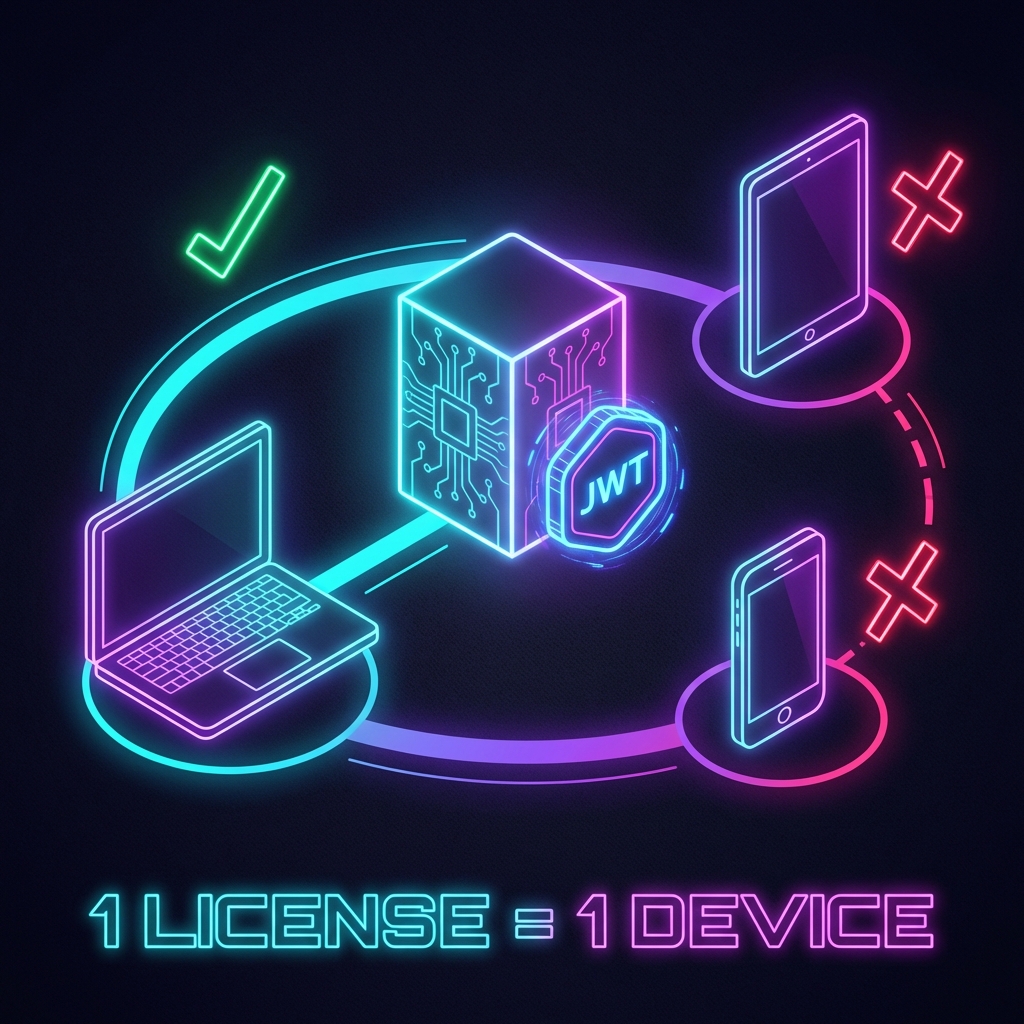
Why Device Control Matters
Common Problems
- License Sharing: One account being used by multiple people simultaneously
- Revenue Loss: Five users sharing one license instead of purchasing five
- Security Risks: Inability to detect unauthorized device access
Solution Requirements
- Unique Device Identification: Reliably identify each device
- Real-time Validation: Instantly detect usage from other devices during login
- User Experience: Don't compromise legitimate user convenience
- Security: Prevent device information spoofing
Step 1: Generate Device Fingerprint
Create a unique "fingerprint" to identify each device.
Client-Side (JavaScript/TypeScript)
// deviceFingerprint.ts
import { createHash } from 'crypto';

interface DeviceInfo {
    userAgent: string;
    screenResolution: string;
    timezone: string;
    language: string;
    platform: string;
}

export function generateDeviceFingerprint(): string {
    const deviceInfo: DeviceInfo = {
        userAgent: navigator.userAgent,
        screenResolution: `${screen.width}x${screen.height}`,
        timezone: Intl.DateTimeFormat().resolvedOptions().timeZone,
        language: navigator.language,
        platform: navigator.platform
    };

    // Combine device info and hash it
    const fingerprintString = Object.values(deviceInfo).join('|');
    const hash = createHash('sha256').update(fingerprintString).digest('hex');

    return hash;
}
Terminology
- User Agent: String containing browser and OS information
- Screen Resolution: Display resolution (e.g., 1920x1080)
- Timezone: Time zone (e.g., America/New_York)
- SHA256: Cryptographic hash function that produces consistent output for the same input
Step 2: Database Schema Design
Store active tokens and device information.
-- ActiveTokens Table
CREATE TABLE ActiveTokens (
    Id INT PRIMARY KEY IDENTITY(1,1),
    UserId INT NOT NULL,
    DeviceFingerprint NVARCHAR(64) NOT NULL,
    TokenJti NVARCHAR(36) NOT NULL,  -- JWT unique ID
    IssuedAt DATETIME2 NOT NULL,
    ExpiresAt DATETIME2 NOT NULL,
    LastActivity DATETIME2 NOT NULL,
    DeviceInfo NVARCHAR(MAX),  -- Device details in JSON format
    CONSTRAINT FK_ActiveTokens_Users FOREIGN KEY (UserId) REFERENCES Users(Id),
    INDEX IX_UserId (UserId),
    INDEX IX_DeviceFingerprint (DeviceFingerprint)
);
Schema Key Points
- TokenJti: Corresponds to JWT's
jticlaim (JWT ID) - LastActivity: Records last access time for timeout detection
- DeviceInfo: Stores detailed information in JSON for troubleshooting
Step 3: Device Check During Login
C# (.NET) Implementation Example
// LoginService.cs
using System.IdentityModel.Tokens.Jwt;
using System.Security.Claims;
using Microsoft.EntityFrameworkCore;

public class LoginService
{
    private readonly AppDbContext _context;
    private readonly JwtService _jwtService;

    public async Task<LoginResult> LoginAsync(
        string username,
        string password,
        string deviceFingerprint)
    {
        // 1. Authenticate user
        var user = await AuthenticateUser(username, password);
        if (user == null)
            return LoginResult.Failed("Invalid credentials");

        // 2. Check for existing active tokens
        var existingToken = await _context.ActiveTokens
            .Where(t => t.UserId == user.Id && t.ExpiresAt > DateTime.UtcNow)
            .FirstOrDefaultAsync();

        if (existingToken != null)
        {
            // Allow re-login from the same device
            if (existingToken.DeviceFingerprint == deviceFingerprint)
            {
                // Extend existing token
                existingToken.LastActivity = DateTime.UtcNow;
                await _context.SaveChangesAsync();

                return LoginResult.Success(existingToken.TokenJti);
            }
            else
            {
                // Login attempt from different device
                return LoginResult.Failed(
                    "This account is already in use on another device. " +
                    "Please log out from the other device first."
                );
            }
        }

        // 3. Issue new token
        var jti = Guid.NewGuid().ToString();
        var token = _jwtService.GenerateToken(user, jti);

        // 4. Register active token
        var activeToken = new ActiveToken
        {
            UserId = user.Id,
            DeviceFingerprint = deviceFingerprint,
            TokenJti = jti,
            IssuedAt = DateTime.UtcNow,
            ExpiresAt = DateTime.UtcNow.AddHours(8),
            LastActivity = DateTime.UtcNow,
            DeviceInfo = GetDeviceInfoJson(deviceFingerprint)
        };

        _context.ActiveTokens.Add(activeToken);
        await _context.SaveChangesAsync();

        return LoginResult.Success(token);
    }
}
Flow Breakdown
- User Authentication: Verify password
- Check Existing Tokens: Look for valid tokens with the same user ID
- Device Matching:
- Same device → Continue using existing token
- Different device → Deny login
- New Registration: For first login or expired tokens
Step 4: Validation on Every API Request
Check token validity on all protected endpoints.
// JwtAuthenticationMiddleware.cs
public class JwtAuthenticationMiddleware
{
    private readonly RequestDelegate _next;

    public async Task InvokeAsync(
        HttpContext context,
        AppDbContext dbContext)
    {
        var token = ExtractTokenFromHeader(context);
        if (token == null)
        {
            context.Response.StatusCode = 401;
            return;
        }

        var handler = new JwtSecurityTokenHandler();
        var jwtToken = handler.ReadJwtToken(token);
        var jti = jwtToken.Claims.FirstOrDefault(c => c.Type == "jti")?.Value;

        if (jti == null)
        {
            context.Response.StatusCode = 401;
            return;
        }

        // Verify token validity in database
        var activeToken = await dbContext.ActiveTokens
            .FirstOrDefaultAsync(t => t.TokenJti == jti && t.ExpiresAt > DateTime.UtcNow);

        if (activeToken == null)
        {
            // Token has been revoked or expired
            context.Response.StatusCode = 401;
            await context.Response.WriteAsJsonAsync(new
            {
                error = "Token has been revoked or expired"
            });
            return;
        }

        // Update last activity
        activeToken.LastActivity = DateTime.UtcNow;
        await dbContext.SaveChangesAsync();

        await _next(context);
    }
}
Step 5: Force Logout Functionality
Terminate existing sessions when logging in from a different device or by admin action.
// LogoutService.cs
public class LogoutService
{
    private readonly AppDbContext _context;

    public async Task<bool> ForceLogoutAsync(int userId, string deviceFingerprint)
    {
        // Remove tokens from devices other than the specified one
        var tokensToRemove = await _context.ActiveTokens
            .Where(t => t.UserId == userId && t.DeviceFingerprint != deviceFingerprint)
            .ToListAsync();

        if (tokensToRemove.Any())
        {
            _context.ActiveTokens.RemoveRange(tokensToRemove);
            await _context.SaveChangesAsync();
            return true;
        }

        return false;
    }

    public async Task LogoutCurrentDeviceAsync(string jti)
    {
        var token = await _context.ActiveTokens
            .FirstOrDefaultAsync(t => t.TokenJti == jti);

        if (token != null)
        {
            _context.ActiveTokens.Remove(token);
            await _context.SaveChangesAsync();
        }
    }
}
Step 6: Client-Side Implementation
Login Process
// authService.ts
export async function login(username: string, password: string) {
    const deviceFingerprint = generateDeviceFingerprint();

    const response = await fetch('/api/auth/login', {
        method: 'POST',
        headers: { 'Content-Type': 'application/json' },
        body: JSON.stringify({
            username,
            password,
            deviceFingerprint
        })
    });

    if (!response.ok) {
        const error = await response.json();
        throw new Error(error.message);
    }

    const { token } = await response.json();
    localStorage.setItem('jwt_token', token);
    return token;
}
Sending Token with API Requests
// apiClient.ts
export async function fetchProtectedData(endpoint: string) {
    const token = localStorage.getItem('jwt_token');

    const response = await fetch(endpoint, {
        headers: {
            'Authorization': `Bearer ${token}`
        }
    });

    if (response.status === 401) {
        // Token has been revoked
        localStorage.removeItem('jwt_token');
        window.location.href = '/login?reason=session_expired';
        return;
    }

    return response.json();
}
Security Considerations
1. Device Fingerprint Limitations
Issue: Fingerprints can change due to browser settings or screen resolution changes.
Solutions:
- Combine multiple identification elements
- Implement "fuzzy matching" to tolerate changes within a certain period
- Add "trusted device" registration feature
2. Token Theft Protection
Issue: If JWT is stolen, device fingerprint can also be spoofed.
Solutions:
- Require HTTPS
- Set short token expiration (e.g., 8 hours)
- Manage refresh tokens separately
- Detect sudden IP address changes
3. Database Load
Issue: Checking database on every request can degrade performance.
Solutions:
- Use in-memory cache like Redis
- Limit last activity update frequency (e.g., once per 5 minutes)
- Utilize read-only replicas
Implementation Example: Redis Optimization
// CachedTokenValidator.cs
public class CachedTokenValidator
{
    private readonly IDistributedCache _cache;
    private readonly AppDbContext _context;

    public async Task<bool> IsTokenValidAsync(string jti)
    {
        // Check cache first
        var cacheKey = $"token:{jti}";
        var cached = await _cache.GetStringAsync(cacheKey);

        if (cached != null)
        {
            return cached == "valid";
        }

        // Cache miss - check database
        var isValid = await _context.ActiveTokens
            .AnyAsync(t => t.TokenJti == jti && t.ExpiresAt > DateTime.UtcNow);

        // Cache result for 5 minutes
        await _cache.SetStringAsync(
            cacheKey,
            isValid ? "valid" : "invalid",
            new DistributedCacheEntryOptions
            {
                AbsoluteExpirationRelativeToNow = TimeSpan.FromMinutes(5)
            }
        );

        return isValid;
    }
}
Frequently Asked Questions
Q1: What if a user wants to switch to a new device?
A: Provide an explicit "logout" function so users can log out from the old device to enable login on the new one. Alternatively, offer a "log out from all devices" feature in the admin panel.
Q2: What if the device fingerprint changes?
A: Consider these approaches:
- Email verification for re-login
- Security questions
- Two-factor authentication (2FA)
- Manual approval by administrator
Q3: What about mobile apps?
A: Mobile apps can use device-specific unique identifiers (iOS's identifierForVendor, Android's ANDROID_ID), which are more stable.
Conclusion
JWT-based device concurrency control can be achieved by combining:
- Device Fingerprinting: Uniquely identify devices
- Active Token Management: Track valid tokens in database
- Real-time Validation: Verify token validity on every API request
- Force Logout: Terminate sessions on other devices when needed
This mechanism prevents license abuse while providing a smooth experience for legitimate users.
Important: Balancing security and usability is key to success. Overly strict restrictions may drive away legitimate users, so adjust according to your business requirements.