Enforcing "one active device per licence" with JWT. It's a standard requirement for licence-managed software, and it's also easy to build with holes in it.
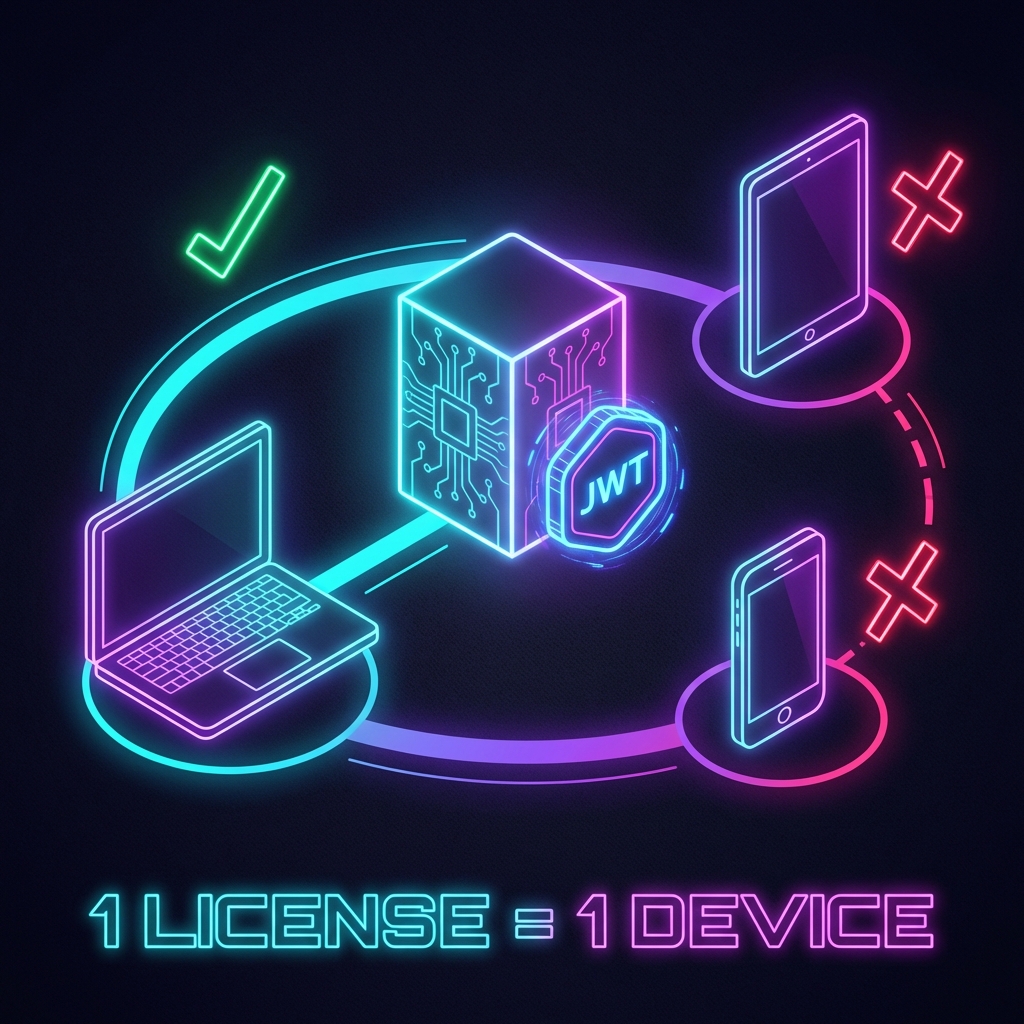
What this actually protects
Something to settle before writing any code: the device identifier is a value the client sends you, which means it can be forged by anyone who wants to.
So this is licence management — a control against account sharing — not a security boundary against an attacker. It stops "two colleagues share a password and both use it." It does not stop "someone willing to open DevTools and change what gets posted."
As long as the former is what you're trying to stop, it does the job.
Device fingerprint
Collect what the browser exposes and hash it.
// deviceFingerprint.ts
interface DeviceInfo {
    userAgent: string;
    screenResolution: string;
    timezone: string;
    language: string;
}

export async function generateDeviceFingerprint(): Promise<string> {
    const deviceInfo: DeviceInfo = {
        userAgent: navigator.userAgent,
        screenResolution: `${screen.width}x${screen.height}`,
        timezone: Intl.DateTimeFormat().resolvedOptions().timeZone,
        language: navigator.language
    };

    const fingerprintString = Object.values(deviceInfo).join('|');

    const bytes = new TextEncoder().encode(fingerprintString);
    const digest = await crypto.subtle.digest('SHA-256', bytes);

    return Array.from(new Uint8Array(digest))
        .map(b => b.toString(16).padStart(2, '0'))
        .join('');
}
You'll see samples that hash this with Node's crypto module. That doesn't run in a browser. Use the Web Crypto API's crypto.subtle.digest instead — it's async, so callers need to await.
navigator.platform is deprecated, so it's not in there. Screen resolution is weak too, since plugging in an external display changes it. More inputs raise uniqueness, and they raise how often the same machine produces a different value.
Schema
CREATE TABLE ActiveTokens (
    Id INT PRIMARY KEY IDENTITY(1,1),
    UserId INT NOT NULL,
    DeviceFingerprint NVARCHAR(64) NOT NULL,
    TokenJti NVARCHAR(36) NOT NULL,
    IssuedAt DATETIME2 NOT NULL,
    ExpiresAt DATETIME2 NOT NULL,
    LastActivity DATETIME2 NOT NULL,
    DeviceInfo NVARCHAR(MAX),
    CONSTRAINT FK_ActiveTokens_Users FOREIGN KEY (UserId) REFERENCES Users(Id),
    CONSTRAINT UQ_ActiveTokens_UserId UNIQUE (UserId),
    INDEX IX_TokenJti (TokenJti)
);
The unique constraint on UserId is the important line. Unless the database itself guarantees at most one active token per user, the race described below lets two devices through.
TokenJti maps to the JWT's jti claim and is what every lookup goes through, so it gets an index.
The login check
public async Task<LoginResult> LoginAsync(
    string username,
    string password,
    string deviceFingerprint)
{
    var user = await AuthenticateUser(username, password);
    if (user == null)
        return LoginResult.Failed("Invalid credentials");

    var existingToken = await _context.ActiveTokens
        .FirstOrDefaultAsync(t => t.UserId == user.Id && t.ExpiresAt > DateTime.UtcNow);

    if (existingToken != null)
    {
        if (existingToken.DeviceFingerprint != deviceFingerprint)
        {
            return LoginResult.Failed(
                "This account is already in use on another device. " +
                "Please log out from the other device first."
            );
        }

        // Same device signing in again — keep the existing token
        existingToken.LastActivity = DateTime.UtcNow;
        await _context.SaveChangesAsync();
        return LoginResult.Success(existingToken.TokenJti);
    }

    var jti = Guid.NewGuid().ToString();
    var token = _jwtService.GenerateToken(user, jti);

    _context.ActiveTokens.Add(new ActiveToken
    {
        UserId = user.Id,
        DeviceFingerprint = deviceFingerprint,
        TokenJti = jti,
        IssuedAt = DateTime.UtcNow,
        ExpiresAt = DateTime.UtcNow.AddHours(8),
        LastActivity = DateTime.UtcNow,
        DeviceInfo = GetDeviceInfoJson(deviceFingerprint)
    });

    await _context.SaveChangesAsync();
    return LoginResult.Success(token);
}
Expired rows accumulate, so you need a separate job to clear out anything past ExpiresAt.
The race
This is read-then-write. Two devices logging in at nearly the same moment both see existingToken == null and both proceed to insert.
That's what the unique constraint is for: the second SaveChangesAsync fails with a DbUpdateException. Which means you have to catch it and translate it into "already in use on another device" rather than letting it bubble up. Run this without the constraint and the limit can be bypassed just by racing it deliberately.
Validating each request
public async Task InvokeAsync(HttpContext context, AppDbContext dbContext)
{
    var token = ExtractTokenFromHeader(context);
    if (token == null)
    {
        context.Response.StatusCode = 401;
        return;
    }

    var handler = new JwtSecurityTokenHandler();
    ClaimsPrincipal principal;

    try
    {
        // Signature and lifetime are verified here
        principal = handler.ValidateToken(token, _validationParameters, out _);
    }
    catch (SecurityTokenException)
    {
        context.Response.StatusCode = 401;
        return;
    }

    var jti = principal.FindFirst(JwtRegisteredClaimNames.Jti)?.Value;
    if (jti == null)
    {
        context.Response.StatusCode = 401;
        return;
    }

    var activeToken = await dbContext.ActiveTokens
        .FirstOrDefaultAsync(t => t.TokenJti == jti && t.ExpiresAt > DateTime.UtcNow);

    if (activeToken == null)
    {
        context.Response.StatusCode = 401;
        await context.Response.WriteAsJsonAsync(new
        {
            error = "Token has been revoked or expired"
        });
        return;
    }

    await _next(context);
}
This is the easiest thing in the whole design to get wrong. JwtSecurityTokenHandler.ReadJwtToken() parses a token without verifying its signature. Build the middleware on that and an attacker can hand-craft any JWT they like. They'd still need a jti that exists in your table, but you've thrown away the guarantee the signature was there to give you. Use ValidateToken().
Separately: updating LastActivity on every request means every GET performs a write. That shows up under load. Throttle it — only write if the previous value is more than a few minutes old.
Force logout
public async Task<bool> ForceLogoutOtherDevicesAsync(int userId, string deviceFingerprint)
{
    var tokensToRemove = await _context.ActiveTokens
        .Where(t => t.UserId == userId && t.DeviceFingerprint != deviceFingerprint)
        .ToListAsync();

    if (tokensToRemove.Count == 0)
        return false;

    _context.ActiveTokens.RemoveRange(tokensToRemove);
    await _context.SaveChangesAsync();
    return true;
}
Give users a way to trigger this themselves — a "log out the other device and continue" path on the rejection screen. Without it, anyone who closed their laptop without logging out is locked out until the token expires, and that will be most of your support inbox.
Client side
export async function login(username: string, password: string) {
    const deviceFingerprint = await generateDeviceFingerprint();

    const response = await fetch('/api/auth/login', {
        method: 'POST',
        headers: { 'Content-Type': 'application/json' },
        body: JSON.stringify({ username, password, deviceFingerprint })
    });

    if (!response.ok) {
        const error = await response.json();
        throw new Error(error.message);
    }

    const { token } = await response.json();
    sessionStorage.setItem('jwt_token', token);
    return token;
}
Most samples put the token in localStorage. One XSS and it's readable. An HttpOnly cookie is the safer option where the architecture allows it, with sessionStorage as the fallback — though none of this saves you if XSS is present.
Handle the 401-clear-token-and-redirect in one place in your API client, not at each call site.
If you add a cache
Hitting the database on every request gets expensive, so Redis turns up eventually — and dropped in naively, it breaks force logout.
Cache a "valid" result for five minutes and a token that was just revoked from another device keeps working for up to five minutes. The options:
- Only cache negative results
- Explicitly evict on logout
- Shorten the TTL to a delay you can live with
How immediate this needs to be is a product question. For licence enforcement, tens of seconds is usually fine.
Decisions to make before launch
Someone replaced their laptop. They almost certainly didn't log out first, so have a recovery path — email verification or 2FA — ready before you need it.
Fingerprints drift on their own. Browser updates change the user agent; an external monitor changes the resolution. Exact matching produces false rejections, so match on a subset of the inputs, or allow a bounded number of changes.
Mobile apps. identifierForVendor on iOS and ANDROID_ID on Android are steadier than a browser fingerprint. Neither survives every reinstall, so don't treat them as permanent.
The tighter the enforcement, the more often a paying customer gets locked out. Where to sit on that line is a business call — the implementation goes either way.